Best Harvest Alternatives in 2026 (After the Price Increase)
Date: 13. November 2026
Author: Corinna Lorenz
Key Takeaways
Why I wrote this (and why you can trust it)
Hi, I’m Corinna. I joined TimeTac in October as Content Manager, and I spent the last week comparing these tools in detail. I wanted this to be a comparison I’d trust myself if I were in your shoes.
So let me be upfront: I work for one of the tools on this list. That’s exactly why I did the research the slow way. I went through every vendor’s pricing page myself (prices as of November 6, 2026), read the Reddit threads where Harvest users talk about switching, and checked what each tool actually does instead of repeating its marketing. Where TimeTac isn’t the best choice, I say so.
Harvest pricing in 2026: what changed
If you’re here, you probably just got a renewal quote from Harvest that made you look twice. You’re not alone.
In July 2025, the Italian software company Bending Spoons bought Harvest. Since then, Harvest has been moving customers to a new pricing model, usually at their next renewal. On the pricing page, Harvest’s time tracking pricing still starts with a price per seat: Teams costs $9 per seat per month with annual billing ($11 monthly), Enterprise $14 ($17.50 monthly). But on top of that, “additional invoices, projects, clients, and tasks are billed based on what you use.” I couldn’t find the per-unit rates anywhere, and neither could the other people researching this.
For agencies with many clients and projects, that usage part now decides the bill, and Harvest’s price increase can be steep. Here are a few cases people have shared publicly:
-

After seven years as a customer, agency founder Andrew Amann wrote that the change “feels harsh.” I agree. So before your renewal, it’s worth checking what your team would cost elsewhere.What I looked for
These are the questions I asked about every tool, and the ones I’d ask if I were switching:
-
-
- Is the price predictable? A price per user or per workspace, with no usage fees for projects, clients or invoices. Most Harvest competitors still charge this way.
- Does it handle project time, rates and budgets? Billable and non-billable hours, rates per project or person, and alerts before a project runs over.
- How do invoices work? Either invoices in the tool itself or a clean way to get billable hours into QuickBooks, Xero or your accounting software.
- Can I see what’s profitable? Effort, revenue and margin per project and client.
- Can I take my data with me? A Harvest importer or a CSV import, so you keep your history.
- Is there a real trial? Enough time to run actual projects in parallel before you switch.
-
The six best Harvest alternatives at a glance
Starting prices are per user per month with annual billing, unless noted. Prices checked November 2026.
Tool Best for Starting price Invoicing Harvest import TimeTac Budgets, profitability and attendance in one tool $10 (budgets from $14) No; export to CSV/Excel or API No self-service import; our team helps you move Keito Flat pricing with invoicing $39 per workspace, unlimited users (Pro) Yes, with Stripe payments Guided importer Toggl Track Simple tracking and reports $9 Yes, sent to QuickBooks Online Built-in importer (paid plans and trial) Clockify Low price per seat $3.99 (budgets from $7.99) Yes, from Standard CSV import Everhour Teams in Asana or Jira $8.50 per seat, min. 5 seats Yes Not stated TimeCamp Invoicing plus attendance on a budget $3.99 Yes; QuickBooks/Xero export from Premium Free importer add-on How each tool charges and what it is best for
Here’s the thing I found most useful to compare: not only what each tool costs, but whether your bill can go up just because you take on more clients or projects. With Harvest, it can.
Tool How it charges Does the bill go up with clients or projects? Harvest Per seat ($9 to $14) plus usage fees for invoices, projects, clients and tasks Yes TimeTac Per user ($10 to $18), no usage fees No Keito Flat per workspace ($16 to $159); unlimited users on Pro and Business No Toggl Track Per user ($9 to $16) No Clockify Per seat ($3.99 to $11.99) No Everhour Per seat ($8.50, minimum 5 seats) No TimeCamp Per user ($3.99 to $9.99) No I’ll be honest: TimeTac isn’t the cheapest per user. But your price stays the same, no matter how many clients or projects you take on. For that you get project budgets, profitability reports and, on the Advanced plan, automatic tracking, and you can add attendance and leave in the same account.
1. TimeTac
Best for: agencies and consultancies that want project time, budgets and profitability in one place, and send invoices from their accounting software.
TimeTac is time tracking software for project-based teams. You track time on projects and activities, mark hours as billable, and set hourly rates per employee, project or activity. Budgets warn you before a project runs over, and reports show effort, revenue and margin per project and client.
Where TimeTac stands out


In detail
-
-
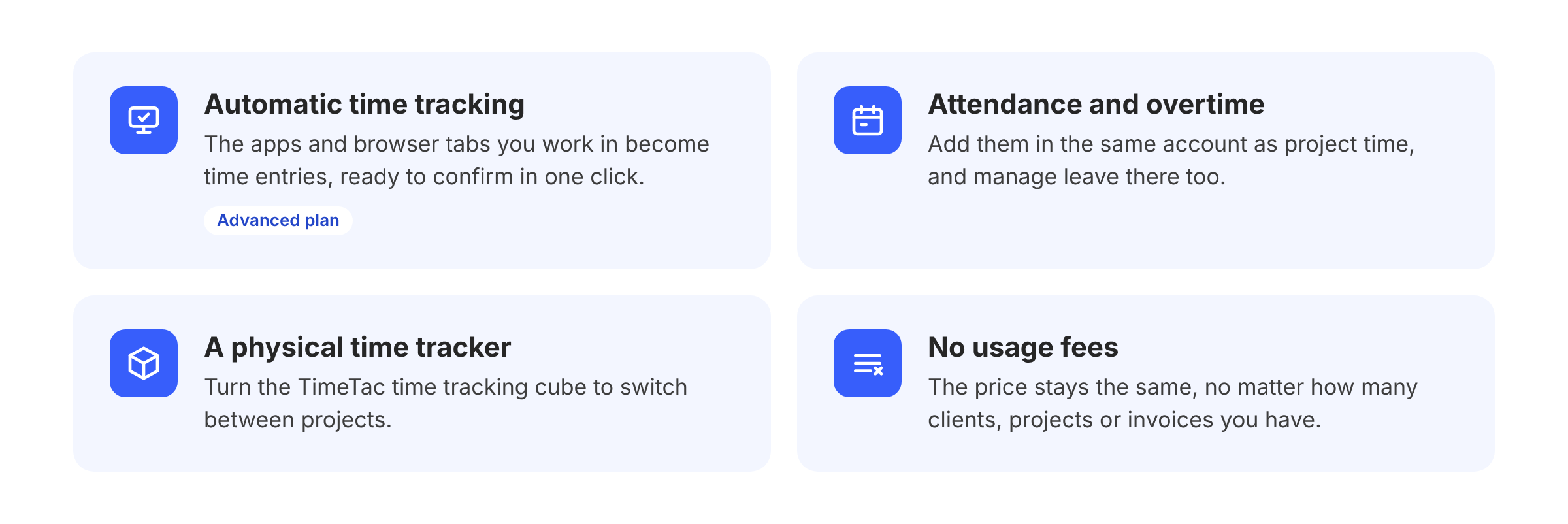
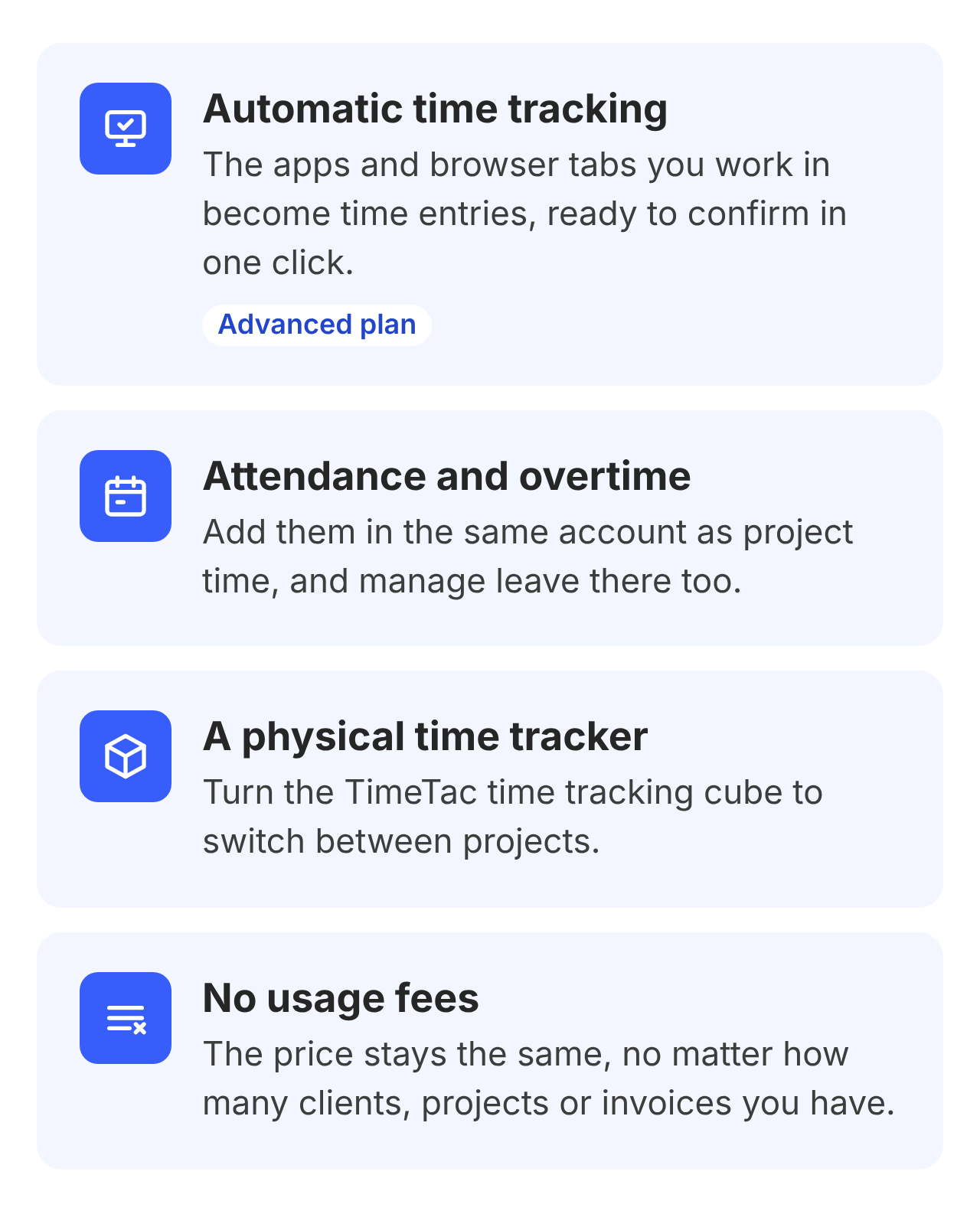
- Unlike Harvest, TimeTac can track time automatically on the desktop (Advanced plan).
- Unlike Harvest, you can add attendance and overtime tracking in the same account as project time, and manage leave there too.
- Unlike Harvest, TimeTac offers a physical time tracker: turn the TimeTac time tracking cube to switch between projects.
- Unlike Harvest, the price doesn’t go up with your number of clients, projects or invoices.
-
TimeTac vs. Harvest
Feature Harvest TimeTac Price model Per seat plus usage fees Per user, no usage fees Project time and billable rates Yes Yes (from Standard) Budgets and profitability Yes (profitability reports on Enterprise) Yes (Standard: up to 3 budgets; Advanced: unlimited) Automatic time tracking No Yes (Advanced) Attendance and overtime No Yes, in the same account Physical time tracker No Yes (TimeTac Tracker) Invoicing, QuickBooks/Xero Yes No (export or API) Pricing: Project Time plans cost $10 (Essential), $14 (Standard) and $18 (Advanced) per user per month with annual billing. Billable rates and budgets start with Standard, which includes up to 3 budgets; Advanced has unlimited budgets. There are no usage fees, and you can try it free for 30 days without a credit card.
Good to know: TimeTac doesn’t create invoices itself. You send billable hours to your accounting software as CSV, Excel or PDF, or connect your system through the API. When you switch from Harvest, our team helps you move your data over.
2. Keito
Best for: small agencies that want Harvest’s workflow, including invoicing, at a flat price.
If you invoice clients straight from your time tracker, I’d look at Keito first. It covers time tracking, planning, reporting and invoicing; approved time and expenses go straight into invoices, and clients can pay online through Stripe. In a Reddit thread about Harvest’s price increase, Keito was the tool real users recommended most, mainly for its Harvest import with full history and fast support. Its guided importer brings over clients, projects, tasks, team members, time entries, expenses, invoices and estimates.
Pricing: Keito charges per workspace, not per user: Solo costs $16 (1 user), Pro $39 and Business $159 per month with annual billing. Pro and Business include unlimited users. There’s a 14-day trial, and you need a credit card to start it.
Good to know: Keito is younger than Harvest and has fewer integrations. QuickBooks Online and Xero integrations are only included in the Business plan ($159 per month).
3. Toggl Track
Best for: teams that want a simple timer and good reports.
Toggl Track is known for one-click timers, a browser extension and idle detection. Billable rates start with the Starter plan; timesheet approvals and the Asana and Jira integrations need Premium. Toggl can create invoices and send them to QuickBooks Online on Starter and up.
What impressed me most is how easy switching is: Toggl’s built-in Harvest importer brings over clients, projects with budgets, active tasks, billable rates, team members and the last 12 months of time entries. It works on paid plans and during the free trial.
Pricing: Starter costs $9 and Premium $16 per user per month with annual billing. A free plan is available for small teams. In a direct Toggl vs. Harvest comparison, Toggl Track Starter costs the same per seat as Harvest Teams ($9), but without usage fees.
Good to know: invoices, expenses and fee-based budgets aren’t imported from Harvest, so keep your Harvest export.
4. Clockify
Best for: budget-conscious teams that still want invoicing and expenses.
Clockify is the one to beat on price per seat. Billable rates start with Basic; invoicing, a QuickBooks integration and timesheet approvals with Standard; budgets and expenses with Pro. To move from Harvest, you export your data as CSV and import it; projects and time entries come across, and team members need to be invited first.
Pricing: free for up to 5 users. Paid plans cost $3.99 (Basic), $5.49 (Standard), $7.99 (Pro) and $11.99 (Enterprise) per seat per month with annual billing. Clockify vs. Harvest: even Clockify’s Pro plan with budgets costs less per seat than Harvest Teams ($9).
Good to know: every active or invited user counts as a paid seat, including admins and managers. Choosing between the two cheapest options? Read our Clockify vs. Toggl Track comparison.
5. Everhour
Best for: teams that plan their work in Asana, Jira or similar tools.
Everhour adds a timer directly into your project management tool, so people track time where they already work. Budgets, invoicing and native integrations come with the Team plan.
Pricing: a free plan for up to 5 seats with limited features and no integrations. The Team plan costs $8.50 per seat per month with annual billing, with a minimum of 5 seats. There’s a 14-day trial.
Good to know: most of Everhour’s value comes from the integrations. If you don’t use a project management tool, I’d pick a simpler tracker.
6. TimeCamp
Best for: small teams that want invoicing plus attendance and time off at a low price.
TimeCamp includes automatic time tracking on all plans. Basic invoicing, attendance and time off start with Starter; budgets and invoice export to QuickBooks and Xero with Premium; billable rates, timesheet approvals and expenses with Ultimate.
Pricing: a free plan, then $3.99 (Starter), $6.99 (Premium) and $9.99 (Ultimate) per user per month with annual billing.
Good to know: features are spread across plans, so read the comparison carefully. A setup like Harvest’s, with billable rates and budgets, needs Ultimate.
How I’d switch from Harvest
If I were moving an agency off Harvest, this is the order I’d do it in:
-
-
- Check your renewal date. Start at least two weeks before it, so you can test without time pressure.
- Export your Harvest data, even if your new tool has an importer. Admins can export all time entries as one CSV under Settings > Import/Export. Clients, projects, team, tasks, expenses and invoices are exported separately as CSV or Excel, invoices also as PDF.
- Test two tools in parallel. Run one or two real projects in each trial for a week.
- Import or rebuild. Use the importer if there is one; otherwise import the CSV or set up clients, projects and rates by hand.
- Rebuild rates, budgets and invoice settings, then compare one month’s report with Harvest’s numbers.
- Archive your Harvest export. Most tools don’t import past invoices.
-
Which Harvest alternative should you pick?
It really depends on how your team works. Here’s my short version:
-
-
- You run an agency, want project budgets and profitability at a fixed price per user, and invoice in your accounting software: TimeTac.
- You invoice from your time tracker and want a flat price: Keito.
- You want simple tracking and a one-click Harvest import: Toggl Track.
- You want the lowest price per seat, with invoicing and expenses: Clockify.
- You plan your work in Asana or Jira: Everhour.
- You want invoicing plus attendance on a small budget: TimeCamp.
-
If I ran a 15-person agency that invoices in QuickBooks, I’d shortlist TimeTac and Toggl Track. If I invoiced from my time tracker, I’d start with Keito.
One last thing
Thank you for reading. Time is valuable, so I hope this comparison saved you some. If TimeTac sounds like a fit, try it free of charge and with no obligation for 30 days. No credit card required, no hidden costs.