
Free Margin Calculator
Enter your cost and either the margin you want or the price you charge. The calculator fills in the rest.
Use the calculator to
- find the selling price that hits a target margin
- see the margin a price you already charge is producing
- check whether a quote still covers what the work costs
- compare products, services or clients on the same basis
How the fields work
Cost: what the product or the work costs you
Margin: profit as a percentage of the selling price
Revenue: the selling price
Profit: revenue minus cost
Fill in any two and the others follow. Keep cost and price both gross or both net, never mixed.
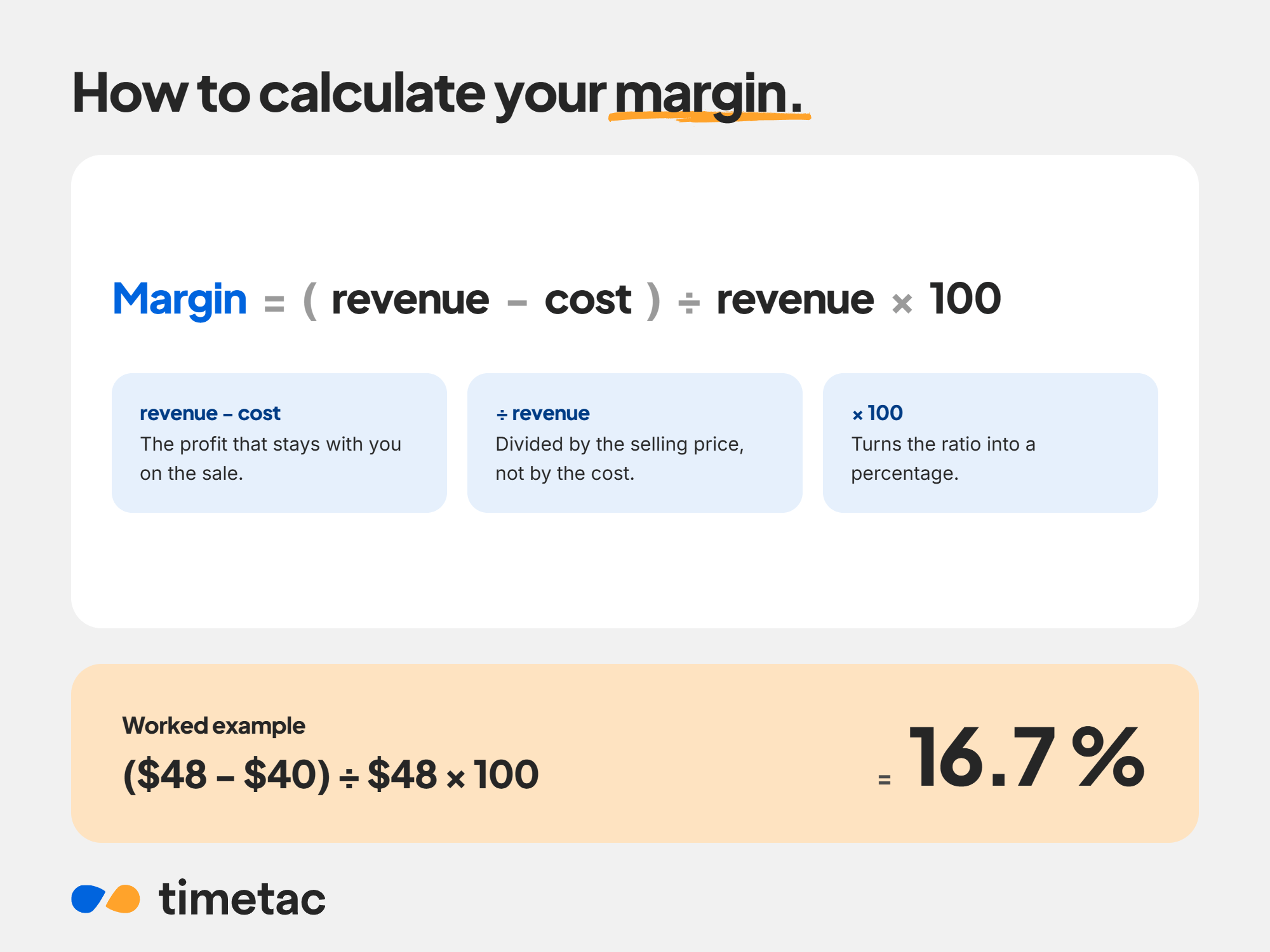
The profit margin formula
Margin = (revenue − cost) ÷ revenue × 100
A $40 cost and a $50 price leave $10 of profit, so a margin of 20 %. Backwards from a target: price = cost ÷ (1 − margin ÷ 100), so a 40 % margin on $40 needs $66.67.
Three margins, three costs. Same formula, different costs going in.
- Gross margin: the direct cost of the goods or the work
- Operating margin: plus rent, tools and salaries
- Net margin: everything, including tax and interest
Frequently asked questions.
What is the profit margin formula?
Margin = (revenue − cost) ÷ revenue × 100. At a cost of $40 and a price of $50, the margin is 20 %.
What is the difference between gross and net margin?
Gross margin counts only the direct cost of what you sell. Net margin subtracts everything else as well, including overhead, tax and interest, so it is always the lower of the two.
How do I set a price for a target margin?
Divide the cost by one minus the margin as a decimal. A $40 cost at a 30 % target margin gives $40 ÷ 0.7, so $57.14.
What is a good profit margin?
It depends entirely on the industry and on what you count as cost. Comparisons only hold between businesses that draw the line in the same place, which is why gross, operating and net margins are never mixed in the same table.
Why can margin not exceed 100 %?
Margin is profit as a share of the selling price, and profit cannot be larger than the price it came from. Markup has no such limit.
